




These systems are new, so we decided to make them easier to read: each bonus and each item on the ground should make sense at a glance.
Reading rarity
Every piece of gear keeps its base stats. Rarity adds two slots for rare bonuses, from level 1 to level 3. The higher the level, the stronger the bonus. A Common item has none, an Uncommon one gets a level 1 bonus, a Rare one a level 2 bonus, and an Epic one a single level 3 bonus.
A Legendary item without a star has two level 1 bonuses. The stars show the level of each bonus: ☆ is 2 and 1, ☆☆ is 2 and 2, ★ is 3 and 1, ★☆ is 3 and 2, ★★ is 3 and 3. ★★ is the top tier.
Spotting a drop on the ground
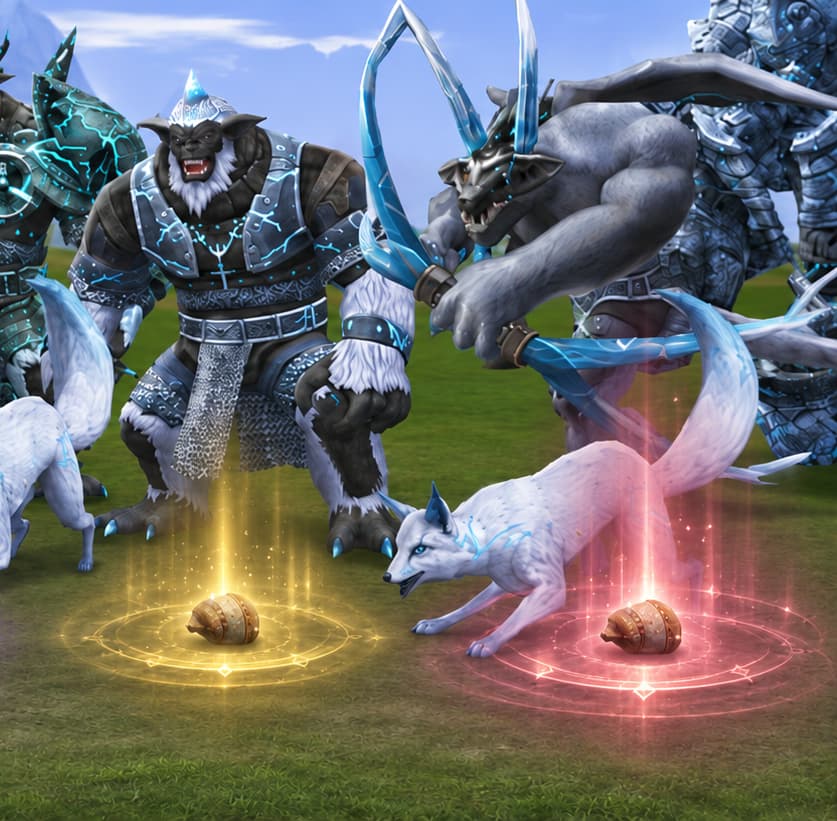
A dropped item stays on the ground for about five minutes. A countdown appears above its name and turns from green to red. The name takes the color of its rarity, and the owner’s name sits next to it: yellow if the item is yours, red if it belongs to someone else. Boss drops follow their own rules.
A right click opens the tooltip without picking the item up, which helps when several items land on the same spot. Once you are close enough to pick it up, a thin golden outline appears around its label.